Will Meta and Google take it?
The network often marks the sale payable days later. Enter both dates to see whether Meta and Google still accept it.
The labels appear here after you submit the dates.
Treat every label as an estimate drawn from Meta's server-side spec, Google's offline setup page, and ClickMagick's Audience Optimization article.
What the two dates are
The click date is the day the ad was clicked and the tracker stored the fbclid or the gclid.
The second date is the day the network marks that sale payable. Buyers call the wait between the click and that day a late affiliate approval. Prodege's postback page says that leaving out the state macro sends calls only for approved conversions. The checker treats your upload as leaving on that payable day.
Ads Manager's Purchases column is a different total. The purchase gap calculator sets that column beside approved, held, and rejected sales.
How old a Conversions API event time can be
Meta rejects the whole request when any event time falls a week or more before the upload. The server-side spec says that if any event_time occurred more than seven days ago, Meta returns an error and processes no events.
A sale approved two weeks later still clears that check when the timestamp is the payable day, because the upload and the timestamp share a day. Stamping the click fails once that click is already a week old. The checkbox is that second case. With the box unchecked, the checker uses the payable day as the timestamp.
Facebook also limits how long a conversion can follow an ad click. That ClickMagick article puts the window at ninety days for events sent with an fbclid. If the wait runs past those ninety days, the checker flags the fbclid.
When a browser Purchase already fired on the click, a later server copy can be folded into it. The same spec asks for one event id on both copies, and the match runs for about forty-eight hours. The pixel and Conversions API guide shows where that id goes.
Receiving the network call and uploading the sale are two jobs. Sending the network sale to Meta after approval covers a tracker postback once the offer approves, and a checkout event when that checkout is the payment you record.
Google Ads offline conversions and the click
Each conversion action has its own click window, and you choose the length. That article puts the range at one to ninety days. The number on the form is that setting.
Google's offline setup page expects the click-to-conversion cycle to stay under fourteen days or under ninety days, depending on the data source you pick when you connect it. The checker uses the number you type. You choose the fourteen-day or ninety-day cycle in Google Ads.
Uploaded conversions are posted on the original click. The same article says the ad network uses the date and time of the click. The conversion's own time is a different value, so a late approval can still be tied to the ad while the click sits inside the setting you entered.
The gclid in the file has to match the captured value, including letter case. Google's help page says the GCLID is case sensitive.
From 15 June 2026, offline conversion import through the Google Ads API moves to the Data Manager API. Google's migration note is the source for that date. Uploading the approved sale with the gclid compares a tracker, a hosted checkout that stored the click id, and a Data Manager import.
Which path still carries the sale
When both labels sit inside their windows, three sends can still carry the sale.
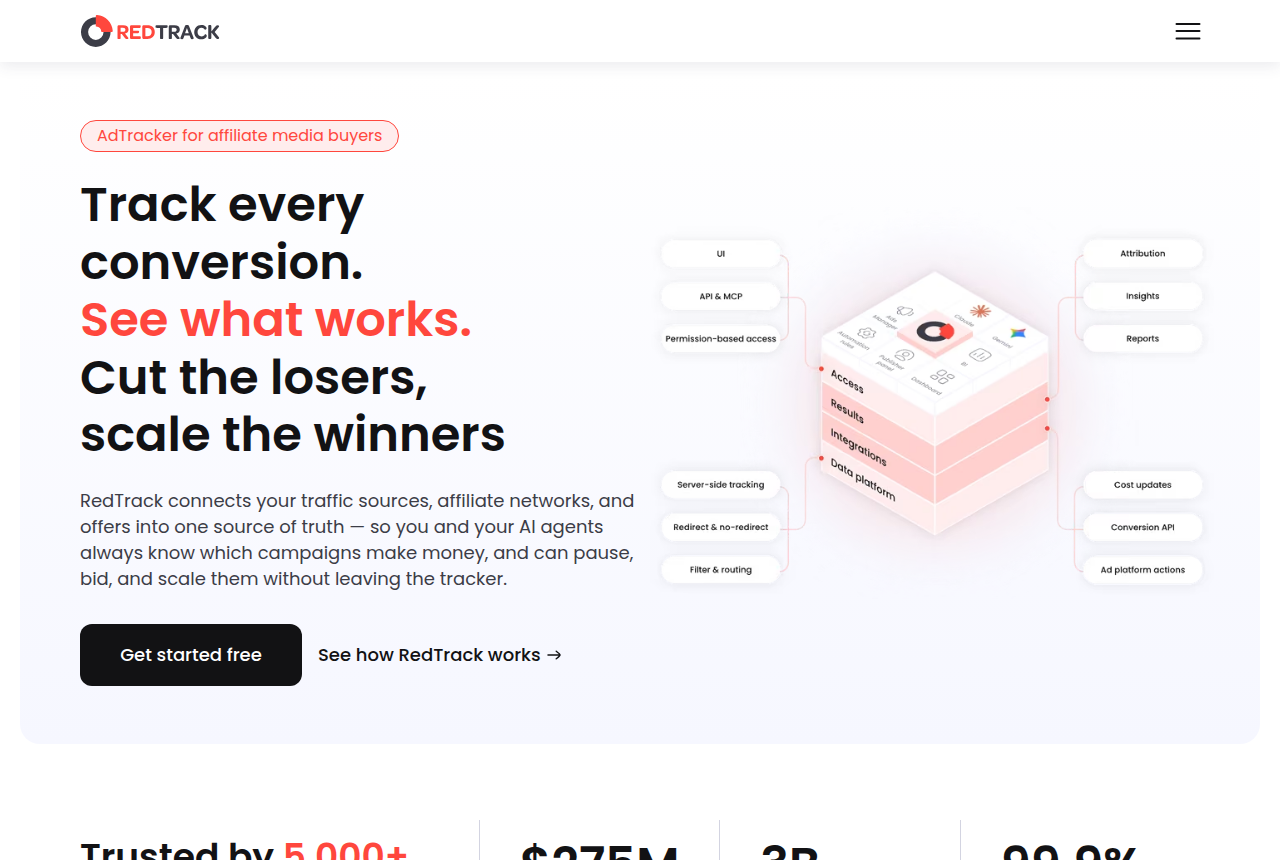
RedTrack's Facebook tracking page describes a pre-built Conversion API integration that sends online and offline conversion data back to Meta. Its Google Ads page describes a pre-built integration that sends online and offline conversion data back to Google. The entry-plan checker names the starting plan that documents a Meta send and a Google send.
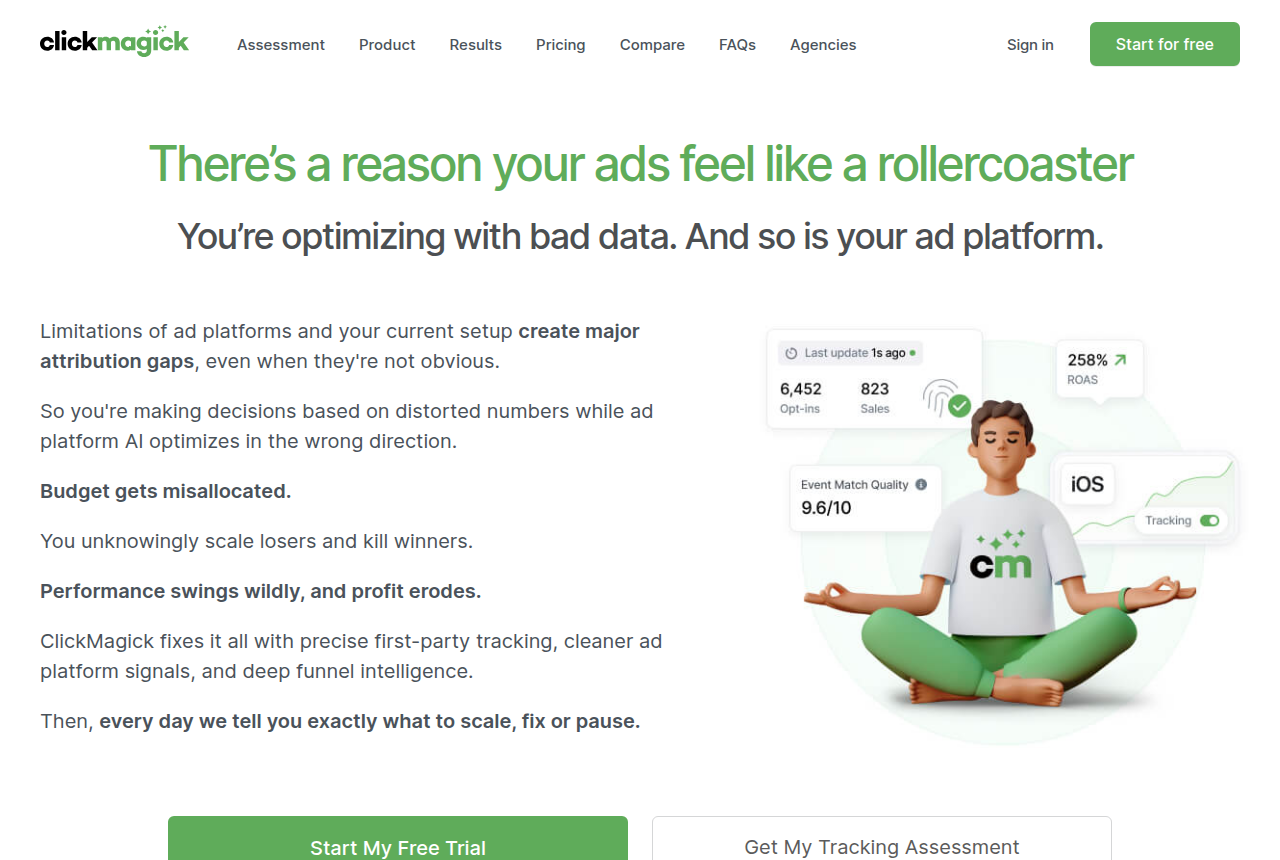
ClickMagick's pricing page lists Audience Optimization on the Starter plan. The article above says those conversions go out in real time, as the tracked sale happens. If that tracked sale is the moment the network approves, that is when the conversion leaves.
A checkout event that fires when the order is paid matches that payment. Use it when the checkout is what got paid. A network approval that arrives later stays on the postback route in the two guides.
When the gclids are already in a system you run, Google's legacy upload guide says click-id conversions use the type UPLOAD_CLICKS. The June move is why that import belongs on Data Manager.
My take
I'd send the file on the day the network approves, with Meta's timestamp set to that same day. A click stamp is what I would skip once the wait is past a week. I'd judge the Google file by whether the click is still inside the lookback on that conversion action.
A match that uses a name or an email once the fbclid or gclid has expired sits outside this checker.
How the day count is worked out
The count subtracts the click from the payable day, in calendar days. From 1 October 2026 to 15 October 2026 is 14 days. These labels come from vendor documentation and long-term user reports. The same reading is on the methodology page.
Meta is labeled only when that box is checked. At seven days or under, the event time passes, and it also passes when the timestamp is the payable day. Check the click-time box only if the upload would stamp the click. Past a week, that stamp is the case Meta rejects for a stale timestamp. Past the Facebook window, an fbclid send is the one that fails.
Google is labeled only when that box is checked. If the wait runs longer than the number in the field, the click falls outside the lookback you set, and a shorter wait falls inside that same lookback. Posting on the click, covered above, is why the payable day can come later and the click can still match.
After you create a new offline conversion action, Google asks you to wait four to six hours before the first upload.
From 13 July 2026 to 21 October 2026 is 100 days. Leave the Google field at 90 and that wait overshoots both the field and the Facebook window.
Questions
How is event time different from the click window?
Does Google store the payable day?
What should I change when a label says the click is outside?
What we read
- Set up offline conversions using GCLID
- Offline conversions move to Data Manager
- Legacy offline click conversions
- Meta Conversions API spec
- Meta event id deduplication
- ClickMagick Audience Optimization
- ClickMagick pricing
- Prodege postback information
- RedTrack Facebook tracking
- RedTrack Google Ads tracking
Related reading
- Send the network sale to Meta after approval, the tracker postback and the checkout event.
- Upload the approved sale with the gclid, tracker, hosted checkout, or Data Manager.
- Meta Conversions API through a tracker or Google Tag Manager.
- Conversions API Gateway versus a tracker postback.
- Entry plans that document a Meta and Google send.
- Ads Manager purchases against network approved sales.
- Build the network postback URL, with the click id and the payout.
- Pick a tracker or a funnel stack.
- How we research.
- Best affiliate tracker tools.
- RedTrack review
- ClickMagick review
Written by
Nadia Lindqvist
Affiliate tracking
Nadia covers affiliate tracking software for people who buy Meta and Google traffic. She reads vendor pricing pages, documentation and long-term user reports, and she writes about which tracker fits a given buyer.
Last checked 2026-10-21
Comments
No comments yet. Questions and your own experience are welcome.
Thank you. Your comment will appear once it has been reviewed.