Send the network sale to Meta after the click
Ads Manager can show a Purchase while the network still has the lead on hold. The sale Meta should optimize for is the commission the network pays out.
Use the tracker postback when the network approves the commission after the click and the offer URL still carries the tracker click id. A hosted checkout is the one to use when you charge the buyer on your own funnel and want a Purchase event the moment payment succeeds. A gateway that mirrors the pixel reports the event the page fired. The commission approved later travels on the postback.
Google attaches a gclid to the click and expects that id back with the completed conversion. See Send the approved sale back to Google for that upload. Meta retains the fbclid, and the server event is sent to the pixel dataset.
See which starter plan includes Conversions API
Quick answer
- Tracker postback. Best for a network approval that arrives after the click, with the tracker click id still on the offer URL.
- Hosted checkout. Best for a funnel checkout you run yourself, with Purchase when that payment succeeds.
- Your own server event. Best for an integration you maintain, posting the server event after the postback.
The page load and the approval follow different clocks
You run Meta ads to a landing page. The visitor submits a form or clicks through to the offer, the confirmation URL loads, and a pixel on that URL can fire Purchase immediately. The network records its decision later. It can land the same afternoon, or after a hold.
Prodege's postback page shows a filter on the network side, before your tracker hears anything.
“If you do not include the {state} macro, postbacks will only be sent for approved conversions.”
The macro acts as the network's switch, so the tracker forwards only the requests it receives. The purchase gap calculator sets Ads Manager purchases beside the sales the network approved, held, or rejected. The postback builder lays out the click id and payout macros each tracker documents, and the URL you install should match the commission you want in Ads Manager.
The offline conversion API on Facebook is a server event
Meta offline conversions for an affiliate are that later commission, posted through the Conversions API on the pixel dataset once you know the offer will pay.
RedTrack's Facebook tracking page describes a pre-built Conversions API integration that sends online and offline conversion data back to Meta, attributed to the ads. One integration covers both clocks.
When the thank-you pixel and a server event both describe the same sale, the spec deduplicates matching events for about 48 hours.
“For the same customer action, the browser event_name must match the server event_name, and the Pixel eventID must match the server event_id.”
“If a server and browser event arrive at roughly the same time (within 5 minutes), we favor the browser event.”
For the browser tag, read how the Facebook pixel and the Conversions API each report a conversion. The server event in the quotes above can be sent after the network fires the postback.
What the click has to keep
The ad click carries the fbclid. ElasticFunnels's Meta Ads page says that when there is no _fbc cookie, the fbc value is generated from the fbclid in the landing URL. A tracker that does not host the page stores that click value itself and passes its own click id in the offer URL, so the network can return the id when it reports the sale.
ClickMagick defines a postback as the notice the network sends when a transaction occurs, linking the sale to the visitor and the click. Without the id on the way back, that link breaks, and the spec also limits how old the event time in the upload can be.
“This timestamp can be up to 7 days before you upload an event. If any event_time in data is greater than 7 days in the past, we return an error for the entire request and process no events.”
When approval for your offer lands outside the window in that quote, Meta rejects the batch. Nothing in these pages documents a longer window for a late affiliate approval.
The tracker fires after the network sends the postback
The network hits the tracker's postback URL with the click id and the status that URL was built to receive, and the tracker then sends the Conversions API event, with a value, for the sale it just stored. A confirmation-page load is a different moment.
ClickMagick's Facebook comparison says it sends conversion data back to Facebook's Conversions API in real time. The pricing page lists Audience Optimization / CAPI on Starter. Visitor allowance and the trial length are written up on the ClickMagick review.
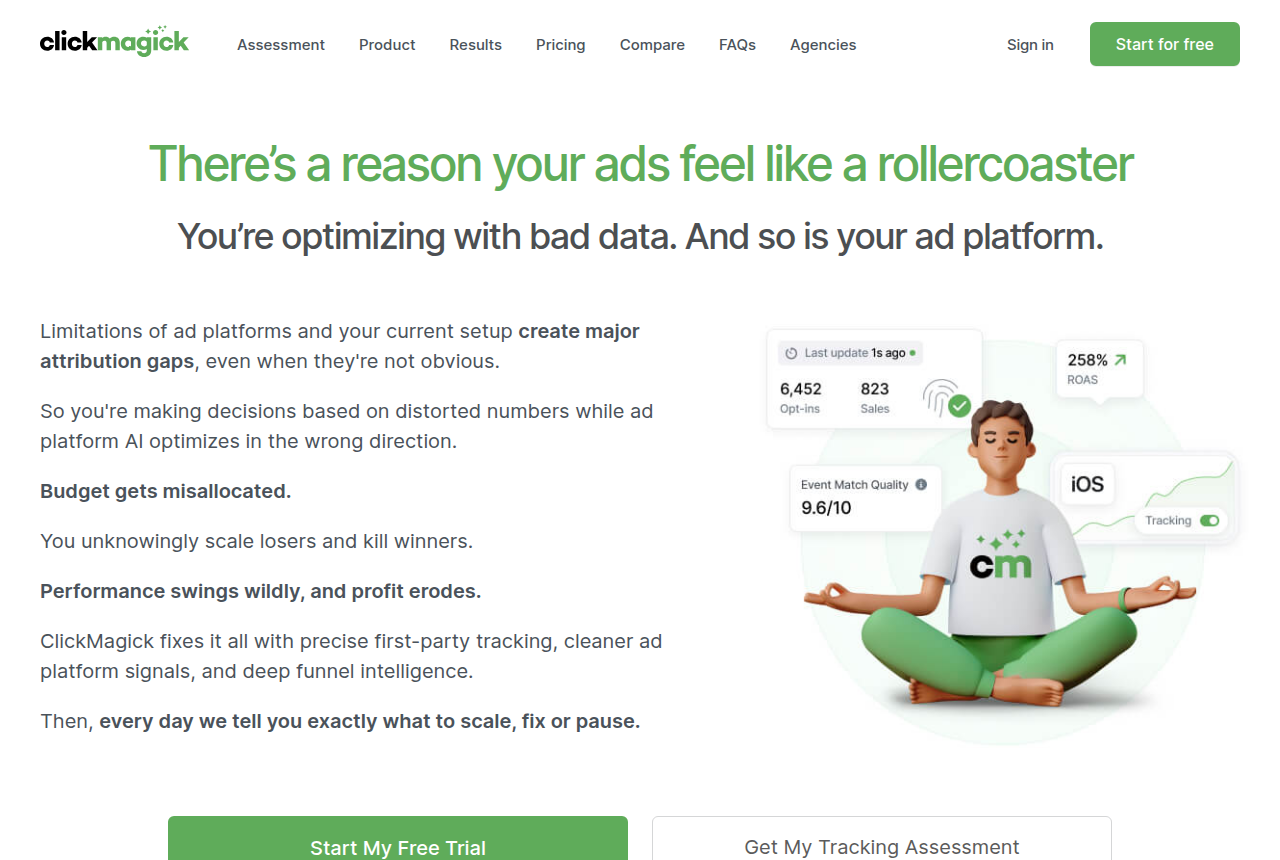
Affiliate tracker
ClickMagick
- Price (20 Oct 2026)
- $79/mo
- Starter
- Audience Optimization / CAPI
The network calls the postback URL when a transaction occurs.
Voluum's Facebook guide connects the Pixel ID, the Conversions API token, and a verified domain, then generates the postback URL for the Facebook traffic source.
“The last step is to create a postback URL and submit it as the traffic source postback URL in the Facebook Traffic Source element of your Voluum account.”
The same guide says to turn off the Pixel Redirect URL while that postback is enabled, because leaving the redirect on sends the conversion a second time. It also says Meta registers a conversion on a domain the advertiser owns, and it documents verifying a domain you control for an offer that lives on a network lander. The offer address belongs to the network. The domain you can verify is one you control. Voluum's features page says an S2S postback can pass conversion data to Meta even when the conversion was recorded through a postback. Plans and the trial are on the Voluum review.
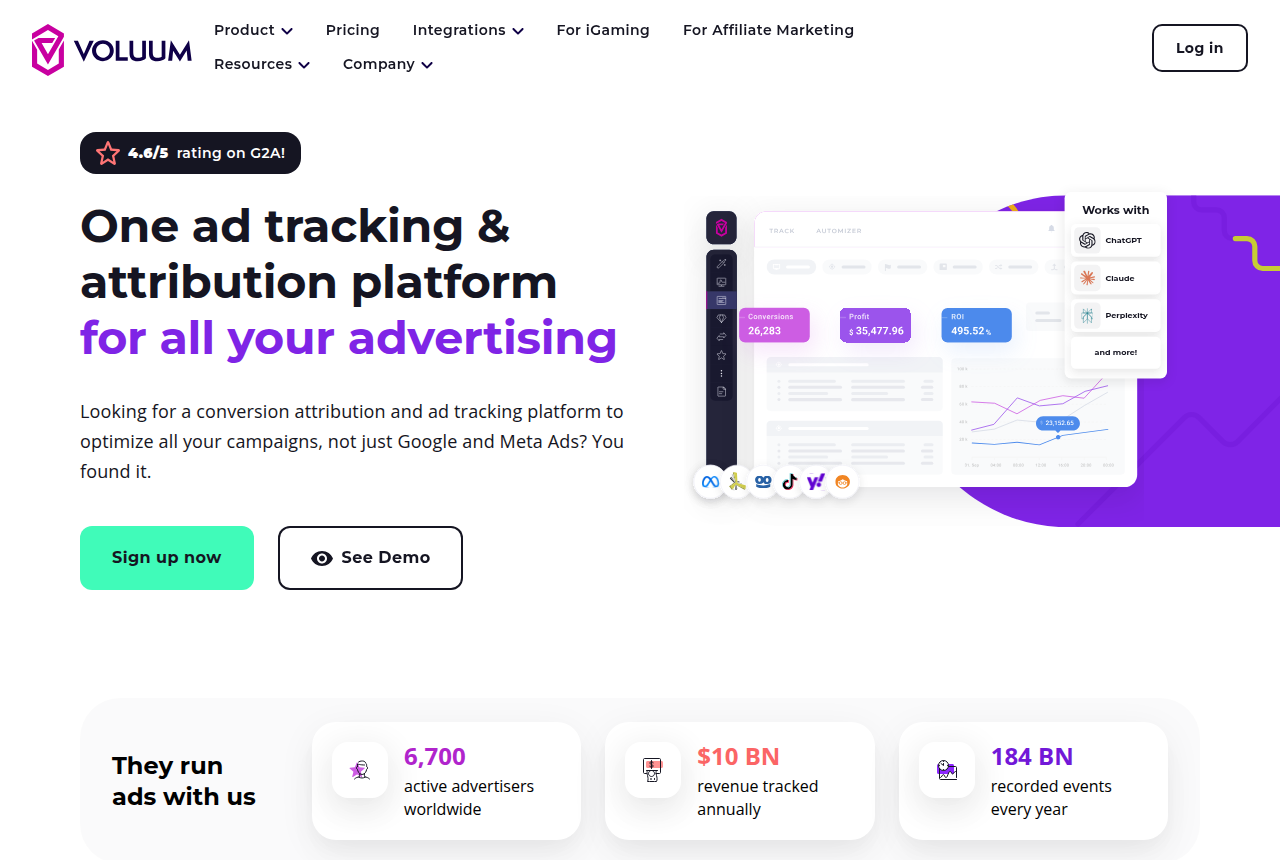
Affiliate tracker
Voluum
- Price (20 Oct 2026)
- $119/mo annual
- Meta setup
- Pixel ID, token, verified domain
Paste the generated URL as the Facebook traffic-source postback.
RedTrack's Facebook page describes its pre-built Conversions API integration, which covers browser sales and later network sales attributed to the ads. Plans for the integration are listed on the RedTrack pricing page, beside the RedTrack review.
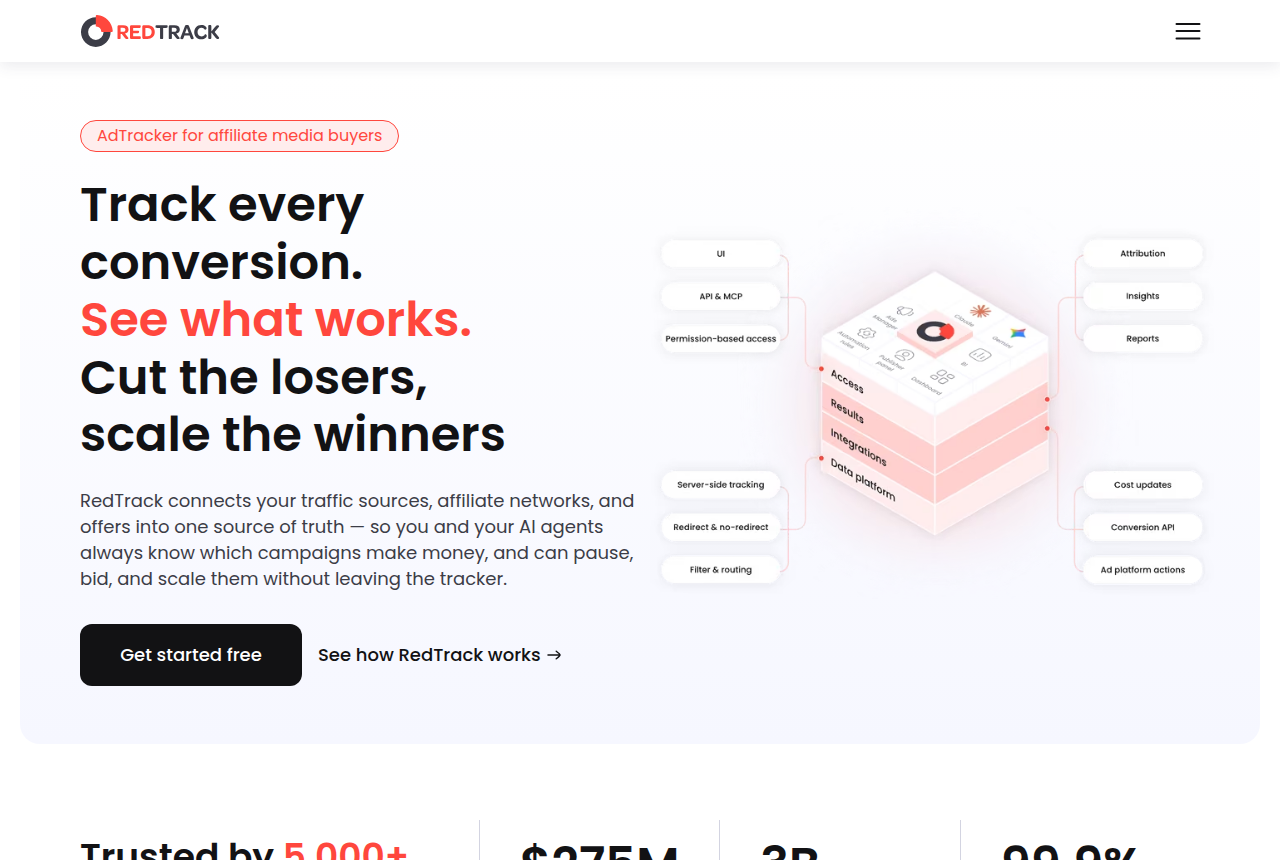
Affiliate tracker
RedTrack
- Price (17 Oct 2026)
- $141/mo annual
- Conversions API
- Browser and delayed conversions
The integration sends conversion data after the tracker has it.
What works
- The Meta event can be sent after the network postback arrives with the click id.
- RedTrack documents browser sales and later network sales on one Conversions API integration, and ClickMagick lists Audience Optimization / CAPI on Starter.
What to watch
- The RedTrack, ClickMagick, and Voluum documentation used here does not mention a setting that waits for an approved status before the Meta event goes out. The postback URL you install is the filter.
- Voluum says to turn off the Pixel Redirect URL while the API postback is on, or the conversion goes out twice.
When the checkout you host sends Purchase
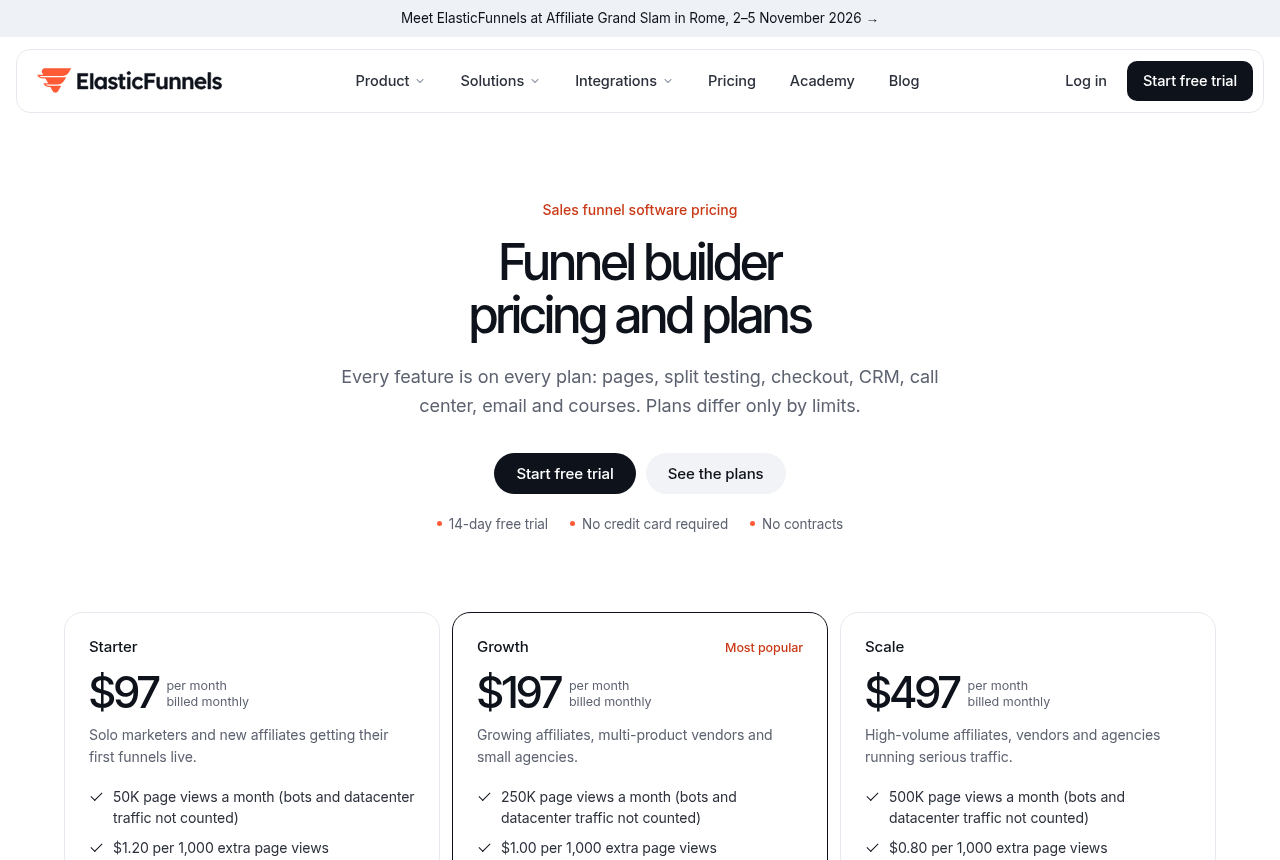
ElasticFunnels is a funnel platform for teams that run paid traffic. It builds the pages, split-tests variants under one URL, and hosts the checkout, so the click, the order, the rebill, and the refund sit on one record. The attribution on that record is what ties a delayed network sale to the ad. When payment is processed on this checkout, the completed order is sent to Meta as a server Purchase with the order value and currency, whether or not a browser pixel fired.
If the page also fires a browser Purchase, both reports need the shared id from the spec, so Meta can treat them as one sale.
Inbound postbacks from BuyGoods, ClickBank S2S, and JVZoo let ElasticFunnels record sales, refunds, chargebacks, and rebills. Those rows are the network ledger. The Purchase event on the Meta Ads page is the one sent when checkout payment succeeds. A network approval recorded on the click is not, on these pages, the same step as that upload.
Every feature is on every plan, including that server Purchase. Pages, funnels, and a custom domain can be set up during the trial.
Funnel platform
ElasticFunnels
- Price (11 Oct 2026)
- $97/mo
- Trial
- 14 days, no card
The Purchase event fires after payment succeeds.
ElasticFunnels is newer than the platforms buyers set it beside, and there is very little independent review coverage of how this Meta Purchase is timed. Until you process real volume through it, you are largely taking the vendor's word for how that Purchase event is timed. The product has been on the market since 2023, which is why those outside write-ups are still thin. The pages, the same-URL test, and the checkout remain available on the account while you read that documentation.
What works
- A paid checkout goes to Meta as a server Purchase with value and currency, even when no browser pixel fired.
- A missing _fbc cookie is filled from the fbclid on the landing URL.
What to watch
- Inbound postbacks from BuyGoods, ClickBank, and JVZoo record the network sale on the click. That record is a different step from the Purchase sent when payment succeeds.
Buyers weighing funnel platforms set ElasticFunnels beside ClickFunnels. The wider write-up of the platform is the ElasticFunnels review.
A server you already maintain
Some teams post the Conversions API call from their own code once the network postback arrives. The event id still has to match the pixel, which is the rule in the spec section. Use this path when you already maintain the integration yourself.
AffClix's Meta page is one example of sending only approved conversions.
“When a conversion is approved, AffClix sends a server event to your Meta dataset with mapped event name, sale value, and identity signals; pending, rejected, and cut-back conversions are not sent.”
Treat that page as the example of sending only approved conversions. The three tracker write-ups above document their own integrations, and the URL you install is the control those pages put in your hands.
Paths that fire before the network approves
The Conversions API Gateway copies pixel events from the page, so it reports whatever the pixel already fired, and a Purchase on the confirmation URL fires when that URL loads, while the network's decision is still ahead.
The redirect warning in the Voluum section is what stops a second send of the same conversion. Meta Conversions API through Google Tag Manager fires from a page event, so its timing matches the page load. The postback can follow the status the network reported.
Which route fits the sale you can prove
| Route | When Meta receives it | Verified domain | Pending hold | Tools |
|---|---|---|---|---|
| Tracker postback | After the network calls the postback URL with the click id. | Voluum's guide requires a domain you control. | You install the postback URL, because the three tracker pages do not describe a setting for approved conversions only. | RedTrack, ClickMagick, Voluum |
| Hosted checkout | When the ElasticFunnels checkout payment succeeds. | The sale happens on the checkout you host. | Meta receives that payment event. An inbound network postback is recorded on its own. | ElasticFunnels |
| Your own server | After your postback handler posts the event. | You are the one posting, under the domain rule in the Voluum guide. | AffClix sends only after approval, and it keeps pending and rejected rows out of that event. | Your integration, with AffClix as the example. |
Lander plus a network postback
If the offer link still includes the tracker click id, pass the network payout to Meta. RedTrack, ClickMagick, and Voluum are the catalog tools whose pages describe that send. The plan cards above show which starting plan includes it.
You take the payment
ElasticFunnels is the row for a checkout you host. Read the Meta Ads page for how the Purchase event is sent. Outside reviews are still thin, which is the drawback in the paragraph above. Open the pricing page if you take payment on a checkout you host.
You already post the event yourself
AffClix is a published example of waiting for an approved conversion, and it is one approach among others. Build this only when you already maintain the client that communicates with Meta.
My take
I would use a tracker when the offer URL passes the click id back with an approved payout, and the platform checkout when that platform processes the payment. Post a custom server event only if you already maintain your own code.
Changelog
- On 21 October 2026, the first version compared a tracker postback, a checkout you host, and a custom server event for a delayed network approval.
Questions
Is the offline conversion API on Facebook a separate product?
What happens when the approval is older than the upload window?
Can a pending commission be the Purchase event Meta optimizes toward?
Will the thank-you pixel and the postback both count?
Does a BuyGoods or ClickBank postback into ElasticFunnels upload the sale to Meta?
Which domain should you verify?
What we read
- Meta server-side API spec
- Voluum Facebook conversion integration
- Voluum features, including S2S postbacks to Meta
- RedTrack Facebook tracking page for its Conversions API integration
- ClickMagick article defining an affiliate postback
- ClickMagick pricing page, with Audience Optimization listed on Starter
- ClickMagick on the Facebook pixel and Conversions API
- ElasticFunnels Meta Ads page on server Purchase events
- ElasticFunnels docs on inbound affiliate postbacks
- AffClix help page for an approved-only Meta event
- Prodege documentation on when a postback fires
Related reading
- Send the approved sale back to Google
- Conversions API Gateway versus the tracker postback
- Meta Conversions API through Google Tag Manager
- Meta Pixel versus Conversions API
- Network postback URL builder
- Ads Manager purchases against network-approved sales
- Late approval checker, for the click date and the approval date.
- RedTrack review
- ClickMagick review
- Voluum review
- ElasticFunnels review
See which starter plan includes Conversions API
Written by
Nadia Lindqvist
Affiliate tracking
Nadia covers affiliate tracking software for people who buy Meta and Google traffic. She reads vendor pricing pages, documentation and long-term user reports, and she writes about which tracker fits a given buyer.
Last checked 2026-10-21
Comments
No comments yet. Questions and your own experience are welcome.
Thank you. Your comment will appear once it has been reviewed.