Send the approved sale back to Google
The network approves or rejects the sale days after the click, and a browser tag has already called it a purchase. When the sale you want Google to count is the one the offer pays, use a tracker that documents a Google upload. A hosted checkout fits when the same platform stored the gclid and charged the buyer. Data Manager or the Google Ads API is the route you build when you already keep those click ids in a system you control.
Google's offline conversions article describes the process. Save the GCLID when the ad is clicked, then pass that id back with the conversion type and the time it happened.
“you give that GCLID back to Google Ads along with a few details about the type of conversion it was and when it happened.”
See which entry plan sends the sale
Quick answer
- Tracker. Best for an approval the offer actually pays.
- Hosted checkout. Best for a checkout that stored the gclid and charged the buyer.
- Data Manager or the API. Best for click ids you already keep and upload on a schedule.
What has to exist before the upload
Google matches an offline sale to an ad click when four things are true. The table is the checklist. The sections below explain each row.
| Requirement | What has to be true |
|---|---|
| Auto-tagging | On. Google's import setup states that auto-tagging has to be on before offline conversions can be imported. |
| Stored gclid | Kept with the click and uploaded exactly as captured. The same page says the GCLID is case sensitive. |
| Conversion action | An offline click conversion. The API name for that action is in the API section below. |
| Who uploads | A tracker, the checkout that stored the click, or an import you run yourself. |
“The GCLID is case sensitive, so make sure you're uploading it correctly.”
The approval arrives after the tag
You send Google traffic to a landing page. The click carries a gclid. The visitor submits a form or clicks through to the offer, and the thank-you page loads. The network still has to approve, hold, or reject that lead, and the decision can land hours later or the next day.
A Purchase tag on that thank-you URL reports a sale the offer may never pay. Offline import is the path that sends the conversion once the payable result is known, matched to the gclid you kept from the click. The purchase gap calculator compares Ads Manager purchases with approved, held, and rejected sales. That difference is what this upload is for.
The same delay explains why a Meta thank-you event and a Google browser tag fail in the same way. The Conversions API guide is the Meta version of this choice: fire on the page you control, or wait for the postback.
How to set up offline conversions in Google Ads
Start with auto-tagging, the first row of the checklist. Without it, the ad click never receives a gclid, and a later file has no id to return.
Create the offline click conversion action in the account that spent the money. Google's setup page asks you to wait four to six hours after that action exists before you upload conversions to it. An upload during that wait targets an action that is still activating.
Capture the gclid on the click, character for character, including capitals. Changing the string, trimming it, or lowercasing it breaks the match the checklist is there to protect. Store it where the later sale can still find it: a tracker field, a hidden field on your lander, or the order record if you host the checkout.
Some clicks, including many iOS paths, arrive with a wbraid or a gbraid and no gclid. The API section lists which of those ids an upload can carry. Keep whichever id the click actually had.
The migration notice in the API section also mentions enhanced conversions for leads. That upload uses hashed customer data. The affiliate path here is the click id stored at the click, which is a different identifier from an email on a lead form.
Hold the gclid until the network answers
The tracker writes the click, including the Google click id, when the visitor arrives. The network's postback is the later message, and it carries the payout plus the status it was built to report. If you install the postback for the approved sale, the record the tracker holds is the payable result. If the postback fires on every lead, the record is the lead.
The postback builder shows the click id and payout macros each tracker supports. The id has to survive the hop to the network and come back on that URL. Buyers who pass the gclid in a subid and upload the conversion after approval are talking about this loop. It works when the approval still carries the same id. It stops when the program never returns the id, because the upload then has no key to match to the ad click.
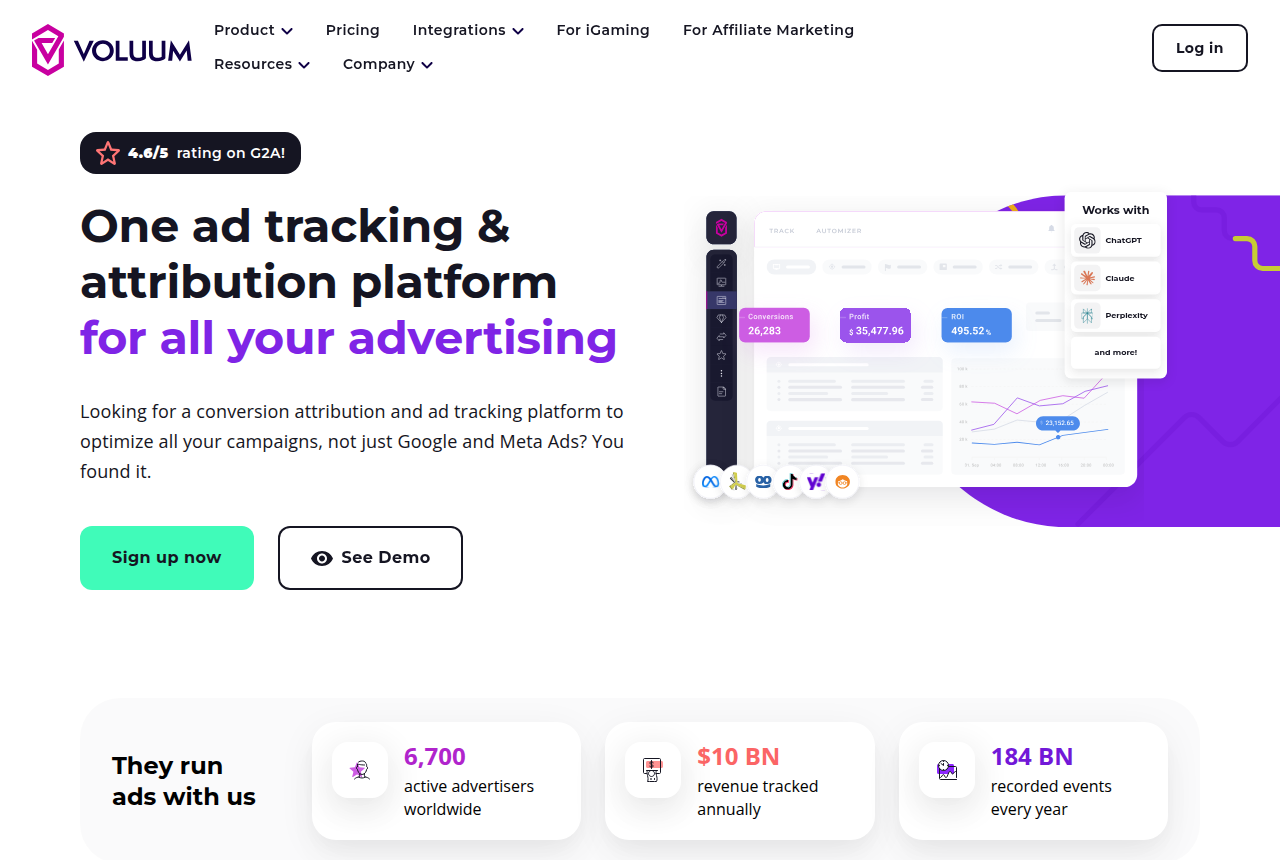
Voluum's Google Ads guide says conversions are reported back to Google with an S2S postback after the network has reported into Voluum. The same guide tells you to check that the Google click id is saved under External ID. A conversion with an empty External ID leaves Voluum with nothing to return to Google. Plans for Voluum are on the Voluum review.
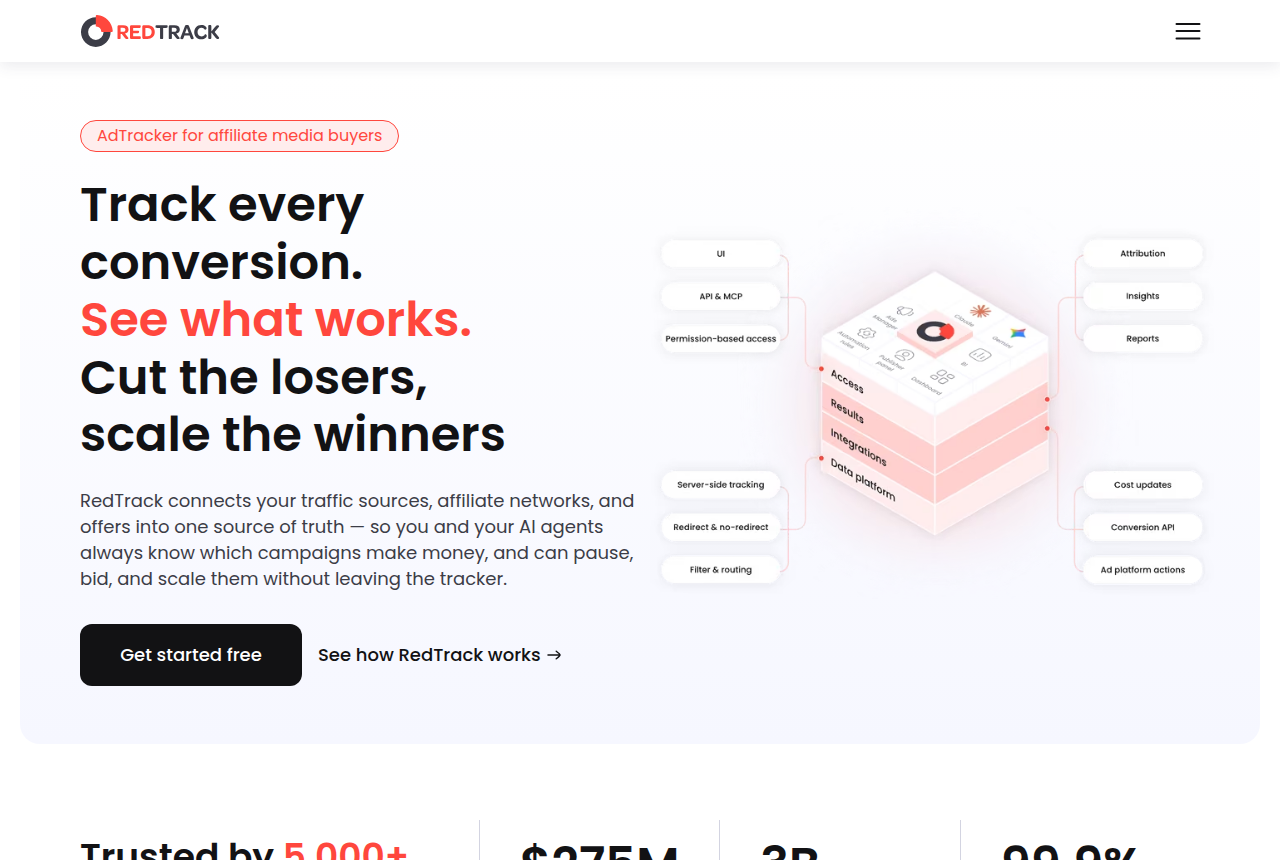
RedTrack's Google Ads page describes a pre-built integration that sends online and offline conversion data back to Google. The same page says you need a custom tracking domain for the Google Ads integration. The longer write-up is the RedTrack review, and the trial sits on the RedTrack pricing page.
Google Ads API offline conversions
Teams that upload from their own server use the Google Ads API. The legacy click-upload guide says the conversion action's type field must be UPLOAD_CLICKS for offline conversions that use click ids. Each conversion needs one of gclid, gbraid, or wbraid.
That guide covers building the upload on your own server. You need the click id stored already, and you need to schedule the call. A tracker that documents its own Google send stores the id and makes the call for you.
“Starting June 15, 2026, offline conversions import and enhanced conversions for leads uploads will be migrated to the Data Manager API and blocked in the Google Ads API.”
From 15 June 2026, the notice above moves offline conversion import, and the lead upload it names, over to the Data Manager API. Google says those uploads will be blocked in the Google Ads API. If you are writing the call yourself, that is the date the legacy method stops. A click-id upload and a lead-form upload both move, and they still start from different identifiers.
Google Ads offline conversion import
Google's import page lists three pipes: Google Ads Data Manager, the Google Ads API, and a third-party integration with Zapier. Data Manager is the scheduled file. The API is the call in the previous section. Zapier is the connector Google lists for teams that already use that tool.
A tracker that stores the click and receives the postback can run the upload once the approval lands. A file you export and import fits a low volume of approved rows, when you can keep the gclids yourself. Auto-tagging, the unchanged gclid, and the offline click action still apply to that file.
Which trackers document a Google upload on the entry plan
Plan cost, trial length, and whether a card is required sit on the entry-plan checker. The table shows which starting plan's own pages describe a Google conversion upload. The next section covers ElasticFunnels, a funnel platform, so it sits outside this tracker table.
| Tool | What the page documents | Requirement |
|---|---|---|
| RedTrack | Online and offline conversion data, through a pre-built integration. | A custom tracking domain. The integration page calls that domain mandatory. |
| ClickMagick | A Google conversion when the click carried a gclid or a wbraid. | Email or phone, when Enhanced Conversions is the path you turned on. |
| Voluum | An S2S postback to Google after the network reports in. | The Google click id saved as External ID. |
| FunnelFlux | The homepage says the base plan passes conversion data to Google Ads, along with TikTok, Facebook, and Microsoft. | That homepage line is the documentation used here. |
| BeMob | The pricing table lists other integrations. | A Facebook line on that table is a different integration. |
| Binom v2 | The homepage states that version one includes the Facebook and Google integrations, and that the same integration will soon be added to version two. | v2 follows when the integration in the previous column ships. |
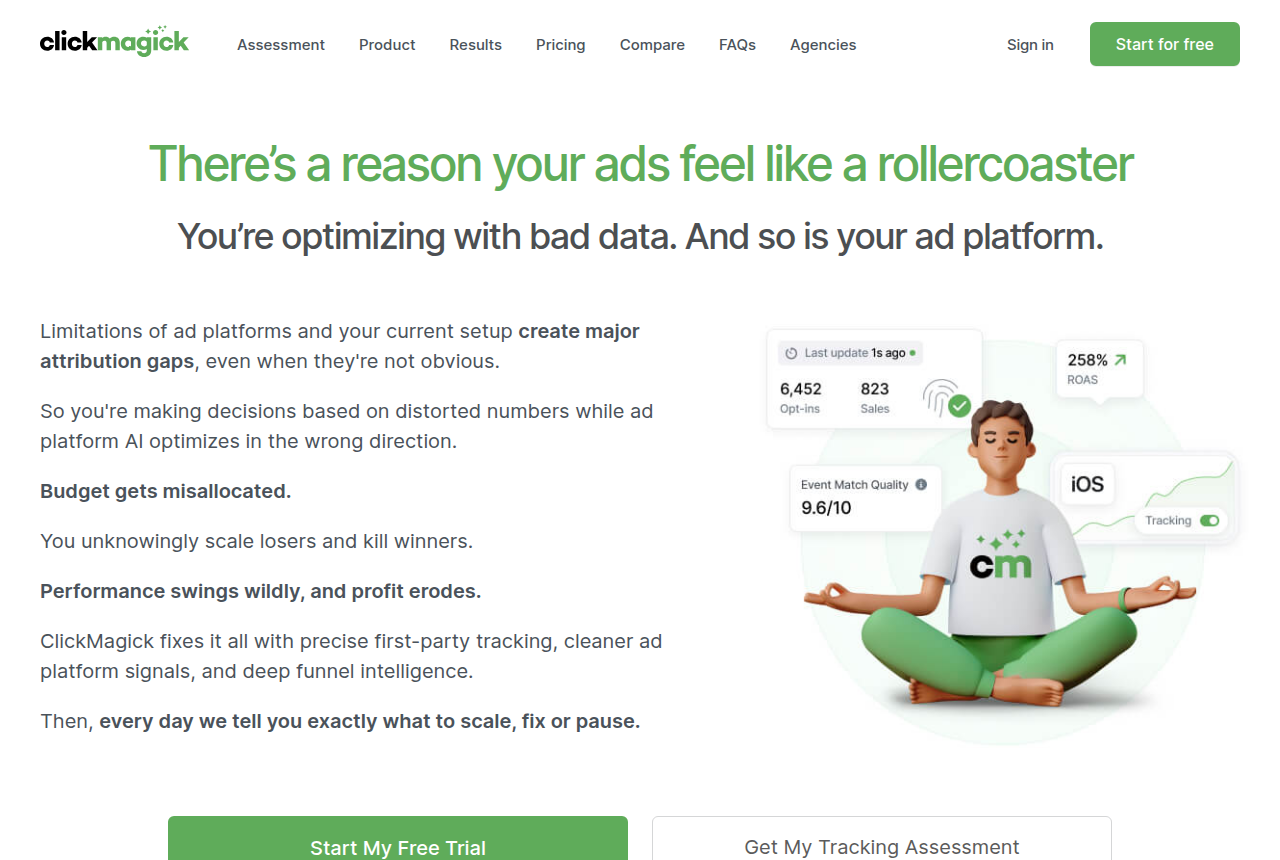
ClickMagick's knowledge base is the source for the gclid and wbraid default. Enhanced Conversions, with an email or a phone on the click, is the exception that page allows when those ids are missing. The ClickMagick review and the ClickMagick pricing page hold the visitor allowance and the trial.
FunnelFlux's homepage says the base plan passes conversion data directly to those four ad platforms. Plans for FunnelFlux are on the FunnelFlux review.
BeMob's pricing page lists integrations on Free and on Professional. Neither Free nor Professional lists a Google conversion upload. The event cap is on the BeMob review.
Binom's homepage says the first version includes the Facebook and Google integrations, and that the same integration will soon be available for the second version. The license is on the Binom review.
When the checkout that stored the click uploads the sale
ElasticFunnels is a funnel platform for teams that run paid traffic. It builds the pages, split-tests variants under one URL so the ad keeps a single campaign link, and hosts the checkout, with the click, the order, the rebill, and the refund on one record. The Google upload is the attribution on that record.
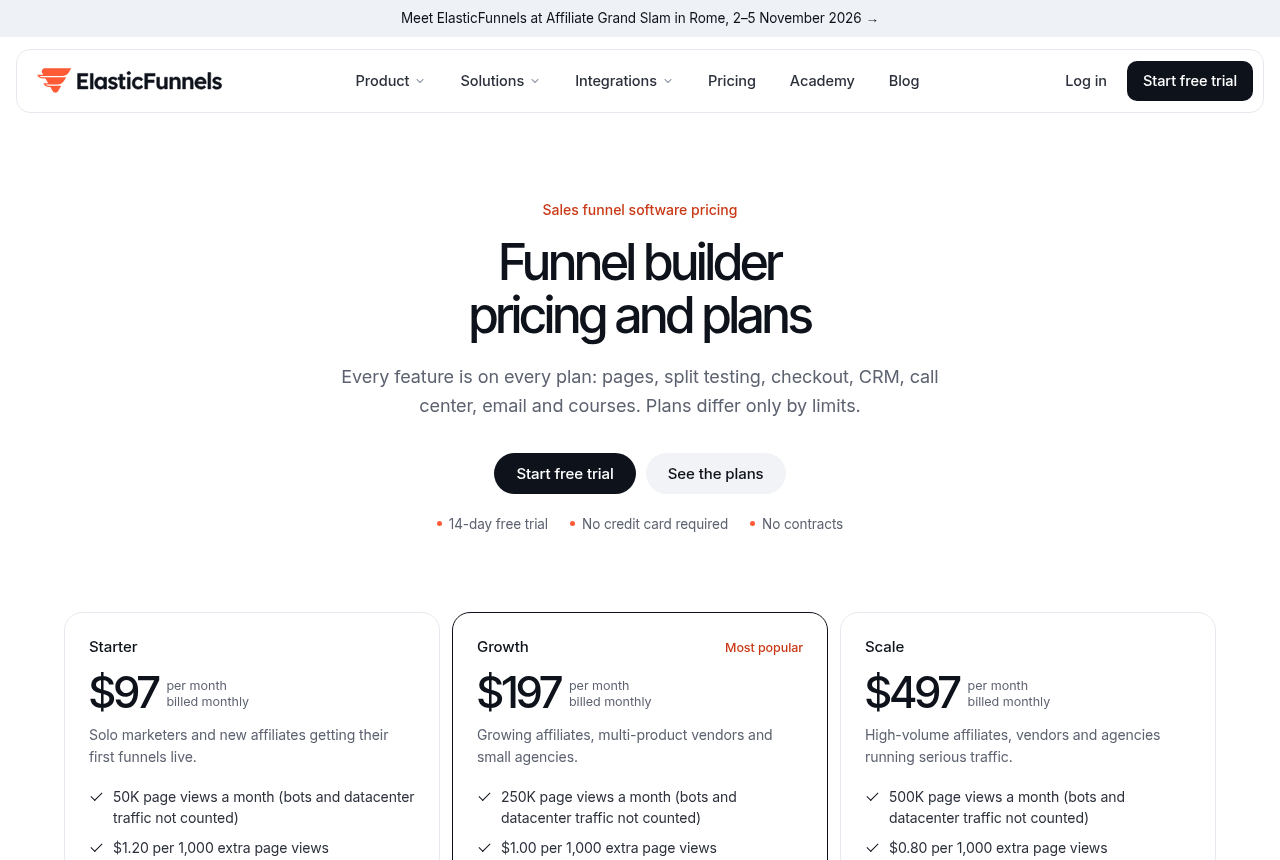
The Google Ads integration connects with OAuth. For each sale whose click carries a gclid, it uploads a click conversion through the Google Ads API, with the value, currency, order id, and purchase time, to the conversion action you set. Spend syncs from Google Ads every two hours.
A sale whose click had no gclid stays out of that upload. It still shows in ElasticFunnels reports under the traffic source on the tracking link. The missing gclid limits only that Google upload. The order itself remains on the record.
Inbound postbacks from networks such as BuyGoods and ClickBank let ElasticFunnels record sales, refunds, chargebacks, and rebills. That postback is a different connection from the Google upload. A network approval can land in the account when the postback arrives. The upload described on the Google Ads page is the one tied to a gclid on the order click.
Every feature is on every plan, including that upload. Pages, funnels, and a custom domain can be set up during the trial.
Funnel platform
ElasticFunnels
- Price (11 Oct 2026)
- $97/mo
- Trial
- 14 days, no card
The upload runs when the order click carried a gclid.
ElasticFunnels is newer than the platforms buyers usually set it beside, and there is very little independent review coverage of this Google upload. Until you run real volume through the connection, you are largely taking the vendor's word for how that upload behaves. The product has been on the market since 2023, which is why those outside write-ups are still thin. The pages, the same-URL test, and the checkout remain available.
Buyers weighing funnel platforms set ElasticFunnels beside ClickFunnels. The ElasticFunnels review covers the platform.
What buyers run into once the upload is live
People running affiliate offers on Google describe the same loop: pass the gclid into a network subid, then upload when the program reports a payable conversion. The loop depends on the partner. Google assigns the gclid and does not let you rewrite it, so the lander has to collect the value and pass it on.
The upload has no id to match when the affiliate program leaves the click id off the approval. A report that never contained the id gives the tracker nothing to attribute to the ad click. Amazon-style programs come up in those accounts for that reason: the partner's report has no id to join back to the ad click.
ClickMagick's knowledge base says that when an ad network processes an uploaded conversion, it posts the conversion on the date and time of the original click. The time of the conversion itself is a different value. Ads Manager can show the sale on the click day while the network approved it later. That is why a purchase column and an approval export can still disagree after the upload has gone through.
My take
I would start with a tracker when the network approval is the conversion Google needs to record. I would use the hosted checkout when that platform stored the gclid and took the payment. I would hold off on building a custom API integration until those ids are stored in a system you can automate, and the move to Data Manager should be part of that plan.
Changelog
- On 20 October 2026, this page first set the gclid upload next to the approval message, the hosted checkout, and the three import pipes Google lists.
Questions
How do you set up offline conversions in Google Ads?
Are Google Ads API offline conversions the same thing as an import?
Can the upload wait until the network approves the sale?
What if the sale has no gclid?
What about iOS clicks and wbraid?
Do BeMob and Binom v2 upload the sale to Google?
Does a BuyGoods or ClickBank postback send the conversion to Google on its own?
What we read
- Google help on saving the gclid and sending it back with the conversion
- Google setup notes for auto-tagging, the case-sensitive gclid, and the wait after a new action
- Google Ads API guide for click uploads that carry gclid, gbraid, or wbraid
- Google help listing Data Manager, the Ads API, and Zapier as import pipes
- ClickMagick note on gclid, wbraid, and the click date Google files
- RedTrack page on online and offline conversion data for Google Ads
- Voluum guide to the S2S postback and the External ID field
- ElasticFunnels page on the Google Ads click upload for orders with a gclid
- ElasticFunnels docs on inbound network postbacks for sales and refunds
- FunnelFlux homepage line on passing conversion data to Google Ads
- BeMob pricing table and the integrations it lists
- Binom homepage on where the Facebook and Google integrations currently ship
Related reading
- Facebook Conversions API through Tag Manager or a tracker
- How the pixel and the Conversions API each report a conversion
- Entry plans that send sales to Meta and Google
- Ads Manager purchases against network-approved sales
- Build the postback URL your tracker gives the network
- RedTrack review
- ClickMagick review
- Voluum review
- ElasticFunnels review
- RedTrack pricing and trial
- ClickMagick pricing and trial
See which entry plan sends the sale
Written by
Nadia Lindqvist
Affiliate tracking
Nadia covers affiliate tracking software for people who buy Meta and Google traffic. She reads vendor pricing pages, documentation and long-term user reports, and she writes about which tracker fits a given buyer.
Last checked 2026-10-20
Comments
No comments yet. Questions and your own experience are welcome.
Thank you. Your comment will appear once it has been reviewed.