Get the postback URL for your tracker
The network approved the lead, but the tracker row is still empty. The offer link and the return call are carrying different click ids, or one of them never went out. That return address is the affiliate postback URL.
What you build shows up here after you submit.
The affiliate postback URL in one chain
Voluum's article on tracking conversions with an S2S postback URL describes the call as server to server. The offer owner's server sends the conversion back to the platform the visitor came from.
The offer link has to carry the tracker's click id in the parameter the network stores. Voluum's parameters article says the click id in the offer URL has to match the click id that cid sends back.
You then paste the tracker's URL into the affiliate network. When the lead is approved, the network requests that address and sends the same id back, with the payout if the template includes one.
If Ads Manager already counts a purchase the network has yet to pay, compare the two totals in the purchase gap calculator.
Voluum: cid on /postback
The S2S article uses this address as an example.
https://your_Voluum_domain_name.com/postback?cid=#s2#&payout=#price#
cid is required because it passes Voluum's click id. The example also includes payout=#price#, though you can omit payout.
The account template, before network tokens replace the placeholders, looks like this.
https://voluum_dedicated_domain.com/postback?cid=REPLACE&payout=OPTIONAL&txid=OPTIONAL
Voluum's MaxBounty table lists #S2# as the click id token for parameter S2 and #RATE# as the payout token. On the offer, that pair is s2={clickid}.
Paste this address into the network's postback field. Voluum uses a second postback, stored in the traffic source template, when the conversion has to move on to the ad platform. Start with the Voluum review if you are still choosing a tracker.
RedTrack: copy the offer source string
RedTrack's help article says that, by default, the click id is passed in the {clickid} parameter. A listicle lander uses lpclickid instead.
The string you give the network is the one in the offer source settings. Copy it from there. That help article covers {clickid} on a standard landing page.
The RedTrack review compares the plans if you are still choosing a tracker.
ClickMagick: generate the URL in your account
ClickMagick's postback article says the address in your account differs from the examples in the knowledge base. Copy the URL the Postback URL Tool generates after you pick the network. In your account, open Tools, then Affiliate Tools, at the path /user/tools/postbackurls/.
On the way out, the Affiliate Link Builder places [cmc_vid] in the affiliate link once the tracking code is on the page. The article says those tokens are replaced with a visitor id.
The ClickMagick review explains the visitor limit on the entry plan.
BeMob: MaxBounty tokens on /postback
BeMob's MaxBounty settings show this preconfigured address.
http://yourdomain.com/postback?cid=#S2#&payout=#RATE#&txid=OPTIONAL&status=OPTIONAL
The same page says to remove the optional txid and status before saving the address. If the words REPLACE or OPTIONAL stay in the string, conversions stay untracked.
When automatic passing of the click id is off, add s2={clickId} at the end of each MaxBounty offer URL. The token is written with a capital I.
For a network other than this MaxBounty example, type that network's macros into the click and payout fields. The BeMob review covers the free event cap.
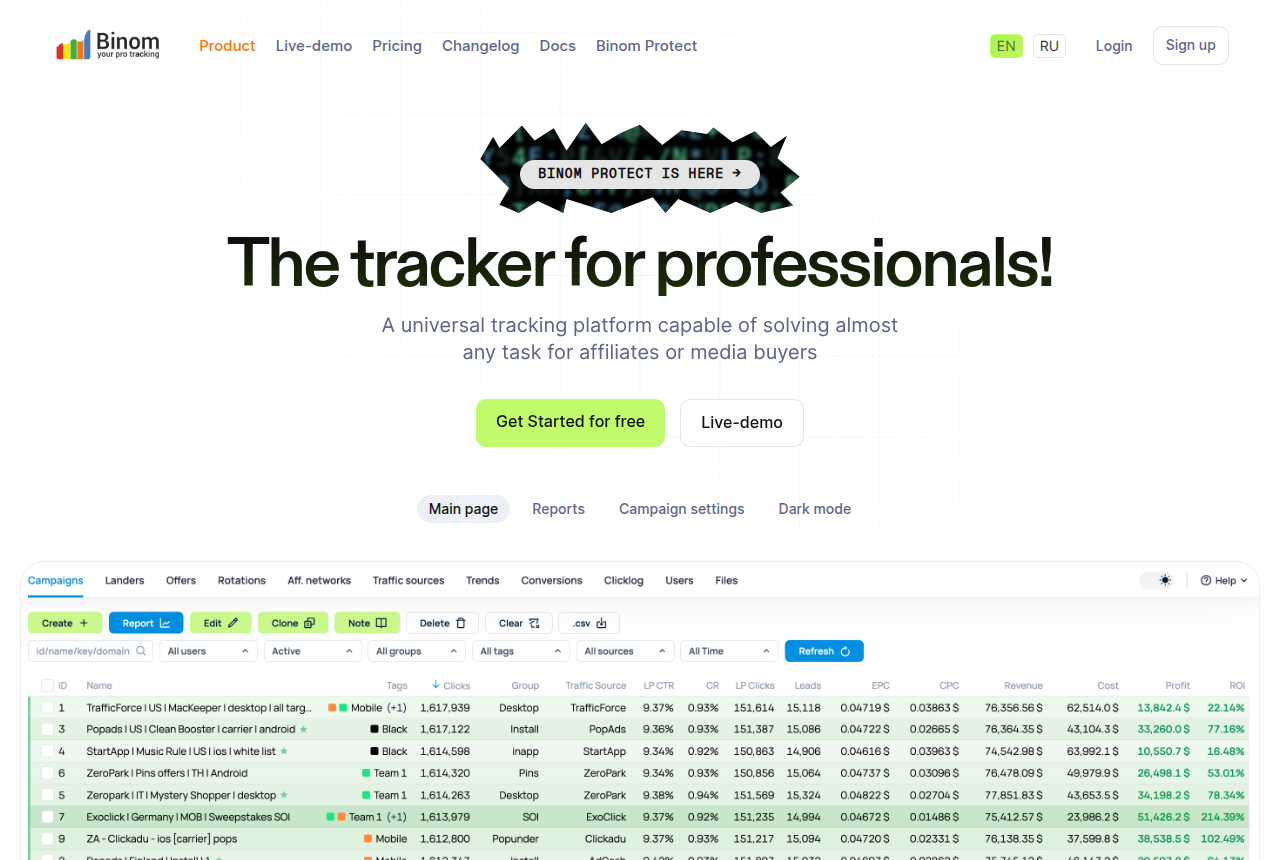
Binom: cnv_id on click.php
Binom's postback page says you send a click id to the network and return that same id to the tracker. The example address on that page is shown below.
https://binom.org/click.php?cnv_id={sub1}&payout={sum}&cnv_status={status}
Pass {clickid} in the parameter the network uses to receive the click. In that example the value comes back as {sub1} on cnv_id, the payout as {sum}, and the status as {status}.
The Binom review covers the self-hosted license and the cloud plan.
MaxBounty, matched in both directions
Here is Voluum with MaxBounty as a worked example. The offer URL ends in s2={clickid}. The return call puts #S2# in cid and #RATE# in payout. That combination is the setup the parameters article describes.
BeMob uses those same two tokens on cid and payout. With manual passing, the offer ends in s2={clickId}.
When the tracker row stays empty
The form builds the documented template in your browser. You paste the finished address into the network's postback field.
Voluum's account template leaves cid=REPLACE until you substitute a value. To test it, put a real click id in place of REPLACE and open the URL.
ClickMagick's postback log article says a missing visitor id shows up as Missing [clickid] or Visitor ID.
Two earlier failures produce the same empty row. The click never reached the network on the tracked offer link, so there is no id to send back. Or the macro sitting in cid is one the network leaves blank.
My take
I'd start by checking that the offer parameter and the cid value carry the same click id. I'd add the traffic-source postback only after that check passes. Copy the RedTrack and ClickMagick postbacks from your account.
Questions
Where do I paste the address?
How is a Meta update different?
Where is the RedTrack postback copied from?
Which click id parameter does MaxBounty expect?
What we read
- Voluum S2S postback URL
- Parameters in Voluum postback URLs
- Submitting a postback URL to a network
- MaxBounty and Voluum
- Binom postback URL
- BeMob MaxBounty settings
- ClickMagick postback URLs
- ClickMagick postback log
- RedTrack clickid on the offer URL
Related reading
- Open the ranked roundup of affiliate trackers.
- The affiliate tracker pricing calculator shows which entry plan fits a month of traffic.
- The purchase gap calculator compares Ads Manager purchases with approved network sales for one date range.
- Which plan sends sales to Meta and Google names the starting plan that includes the send.
- Facebook Pixel vs Conversions API explains browser events and server events.
- The methodology page covers vendor documentation and long-term user reports.
- Voluum review
- RedTrack review
- ClickMagick review
- BeMob review
- Binom review
Written by
Nadia Lindqvist
Affiliate tracking
Nadia covers affiliate tracking software for people who buy Meta and Google traffic. She reads vendor pricing pages, documentation and long-term user reports, and she writes about which tracker fits a given buyer.
Last checked 2026-10-19
Comments
No comments yet. Questions and your own experience are welcome.
Thank you. Your comment will appear once it has been reviewed.